Omnichannel Collection and Real-Time File Verification

Complete, Compliant Files. Effortlessly

AITECA collects documents from your customers and constituents across every channel, checks them on receipt, and follows up until each file is complete. Your case handlers only work on review-ready files.

-20%
journey drop-offs
+60%
case handler productivity
5 min.
to set up your collection workflow
What's Included

Three Steps to a Review-Ready File

Files are assembled automatically, whatever the channel, and issues are fixed as early as possible.

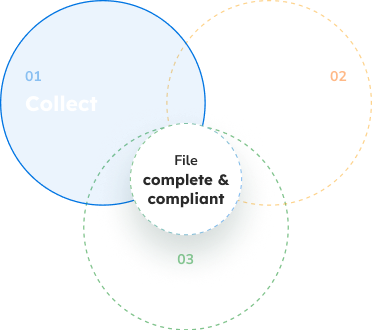
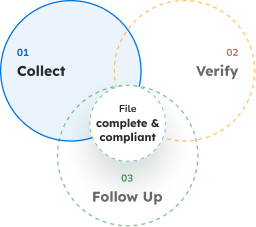
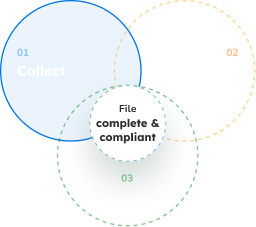
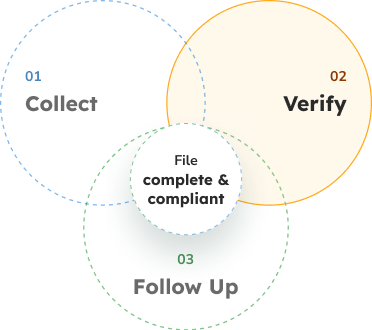
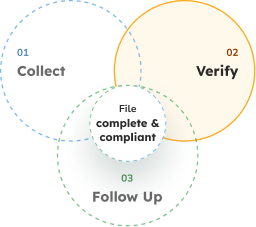
A Complete File in 3 Steps

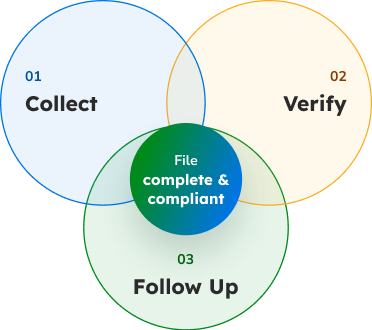
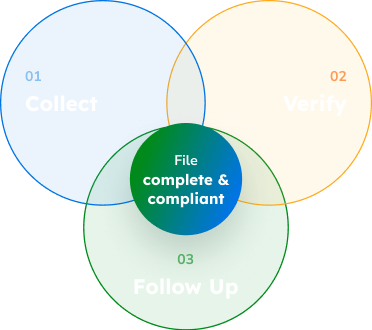
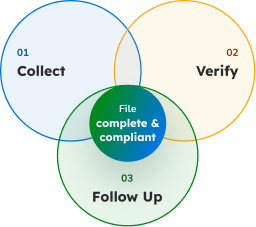
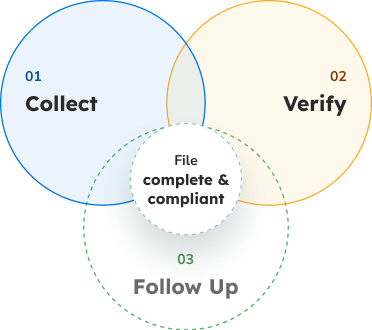
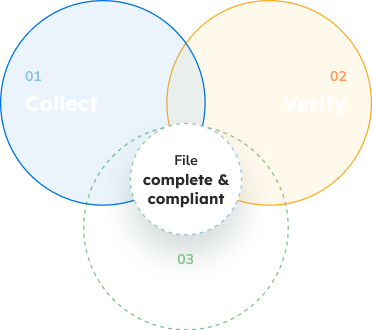
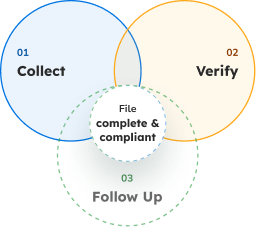
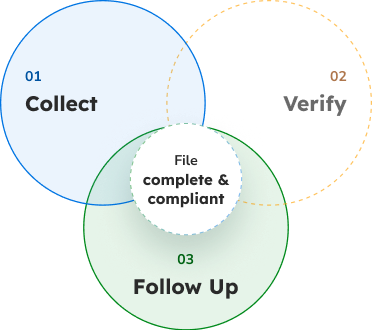
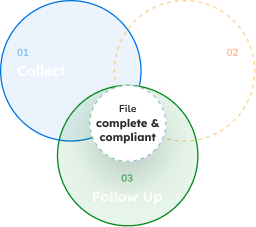
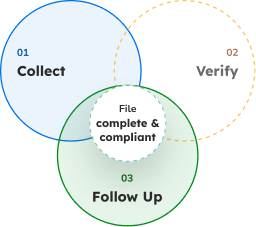
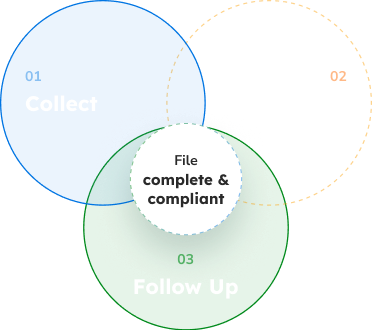
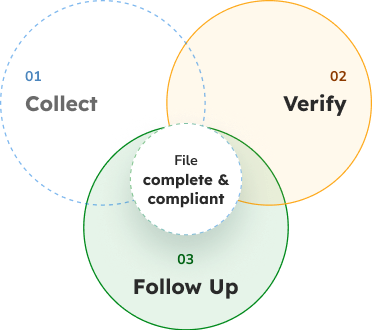
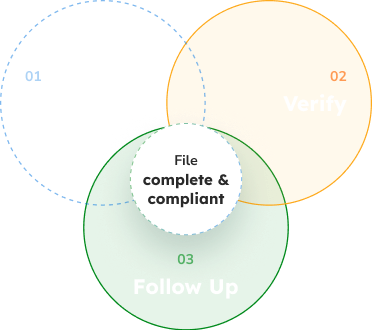
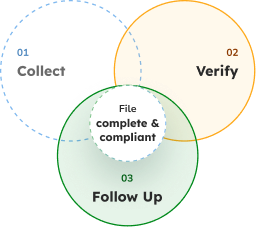
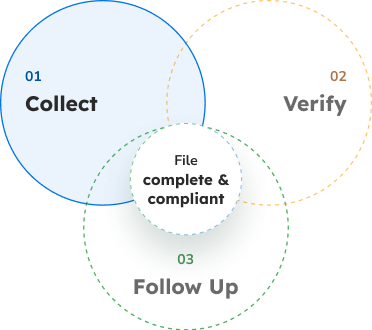
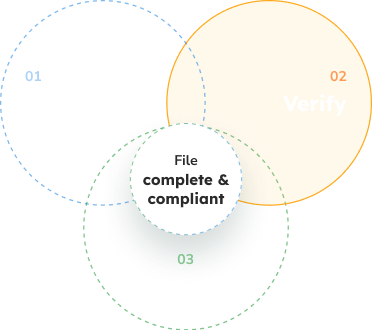
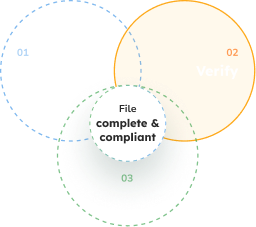
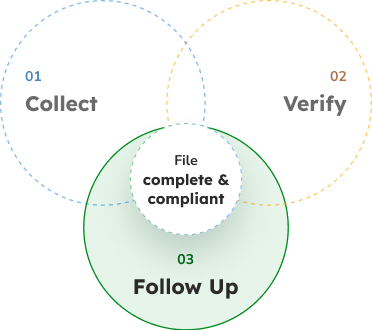
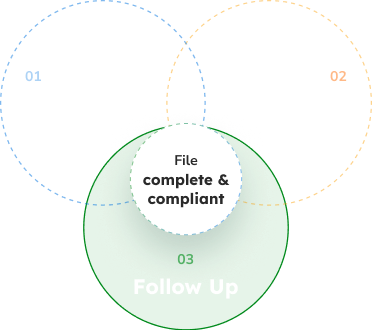
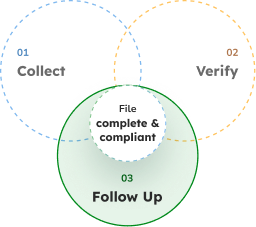
3 steps that turn every request into a review-ready file

01 Collect
02 Verify
03 Follow Up
dossier-schema-all-desktop-light-en dossier-schema-all-desktop-dark-en dossier-schema-all-mobile-light-en dossier-schema-all-desktop-dark-en
dossier-schema-collecter-controler-desktop-light-en dossier-schema-collecter-controler-desktop-dark-en dossier-schema-collecter-controler-mobile-light-en dossier-schema-collecter-controler-mobile-dark-en
dossier-schema-collecter-relancer-desktop-light-en dossier-schema-collecter-relancer-mobile-dark-en dossier-schema-collecter-relancer-mobile-light-en dossier-schema-collecter-relancer-desktop-dark-en
dossier-schema-controler-relancer-desktop-light-en dossier-schema-controler-relancer-desktop-dark-en dossier-schema-controler-relancer-mobile-light-en dossier-schema-controler-relancer-mobile-dark-en
dossier-schema-collecter-desktop-light-en dossier-schema-collecter-desktop-dark-en dossier-schema-collecter-mobile-light-en dossier-schema-collecter-mobile-dark-en
dossier-schema-controler-desktop-light-en dossier-schema-controler-desktop-dark-en dossier-schema-controler-mobile-light-en dossier-schema-controler-mobile-dark-en
dossier-schema-relancer-desktop-light-en dossier-schema-relancer-desktop-dark-en dossier-schema-relancer-mobile-light-en dossier-schema-relancer-mobile-dark-en
collecter-icon-light collecter-icon-dark
01

Collect

AI Agent

Omnichannel – mail, email, text message, web portal, mobile app, branch office, chatbot, social media: your customers submit documents through the channel of their choice.

AI collection agent – it bridges asynchronous channels (email, mail) and interactive collection (portal, mobile). It qualifies each incoming request, such as a new application, identifies what's missing, and sends the customer a link to upload the rest.

The Collection Agent in Action
  1. The customer submits documents through any channel
  2. The agent detects missing documents
  3. It automatically requests what's missing
  4. It sends reminders as needed
  5. It tracks file completeness
  6. It hands off a ready file to the case handler

On receipt, across every channel, three types of checks:

File completeness Document compliance Document fraud

Then, depending on the channel

Synchronous channels: : web, mobile, app…

Fixed at the Source by the Customer

Customers are notified as soon as a document has an issue or is missing, and fix it themselves without leaving their journey.

Asynchronous channels: email, mail

Fixed on Receipt by an Operator or AI Agent

Issues are fixed by an operator with system assistance, or handled autonomously by the AI data validation agent under your teams' supervision.

Automated text and email reminders – when a supporting document is missing or non-compliant, the customer receives a personalized message. Whatever channel they reply through, the new document is automatically attached to their file.

Real-time progress tracking – your case handlers see the status of every file: documents received, documents pending, reminders sent, all the way to completion.

Custom Configuration

A New File Type, Set Up in 5 Minutes

Underwriting, benefits applications, claims: start from a ready-to-use library and simply define your collection journey.

Step 1
choisir-icon-clair choisir-icon-sombre

Choose Documents and Checks

Pick from the library the documents to request and the checks to run, based on the file type.

100+
ready-to-use documents
150+
prepackaged checks
Step 2
activer-icon-clair activer-icon-sombre

Enable Features

Turn each one on or off, depending on the file type:

Sensitive data redaction liste-icon-on-clair liste-icon-on-sombre
Document generation liste-icon-on-clair liste-icon-on-sombre
e-signature liste-icon-off-clair liste-icon-off-sombre
Step 3
connecter-icon-clair connecter-icon-sombre

Connect Your Applications

Deliver the complete file via API to your target applications: CRM, business tools, ECM.

badge-dossier-icon Complete file via API
badge-crm-icon CRM
badge-outils-icon Business tools
badge-ged-icon ECM

Results

gestion-icon-clair gestion-icon-sombre Simpler file management for your teams
parcours-icon-clair parcours-icon-sombre A smoother, frictionless customer journey
Security · Sovereignty · Compliance

Compliant by Design

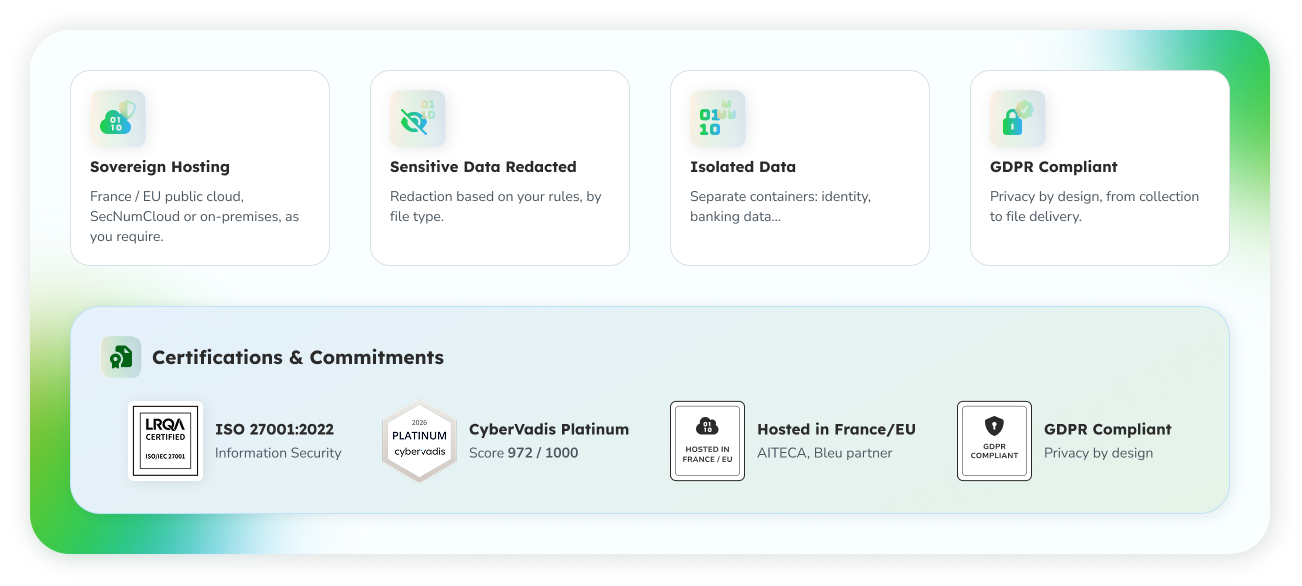
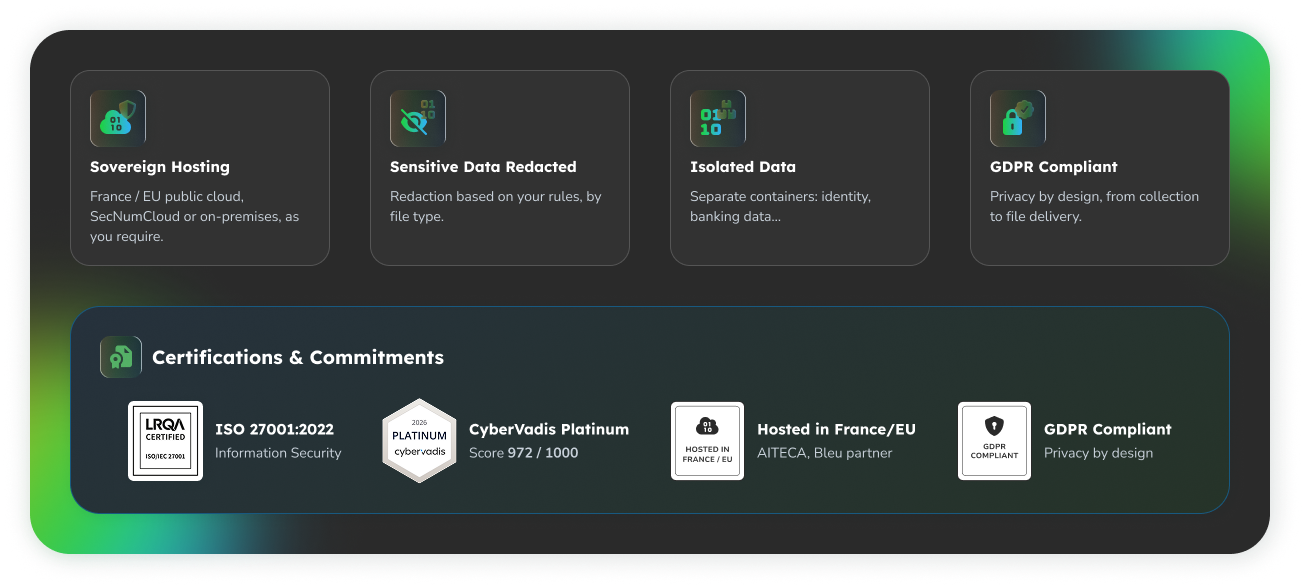
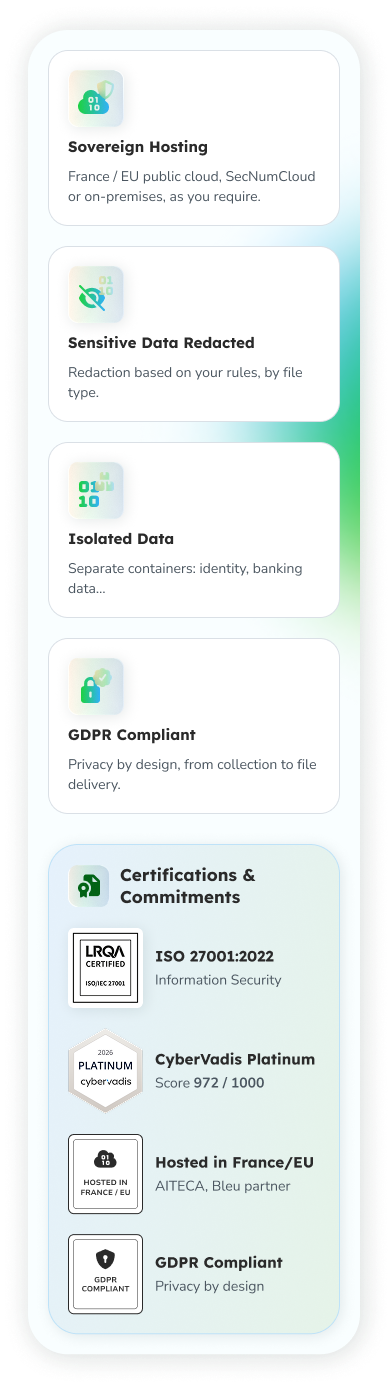
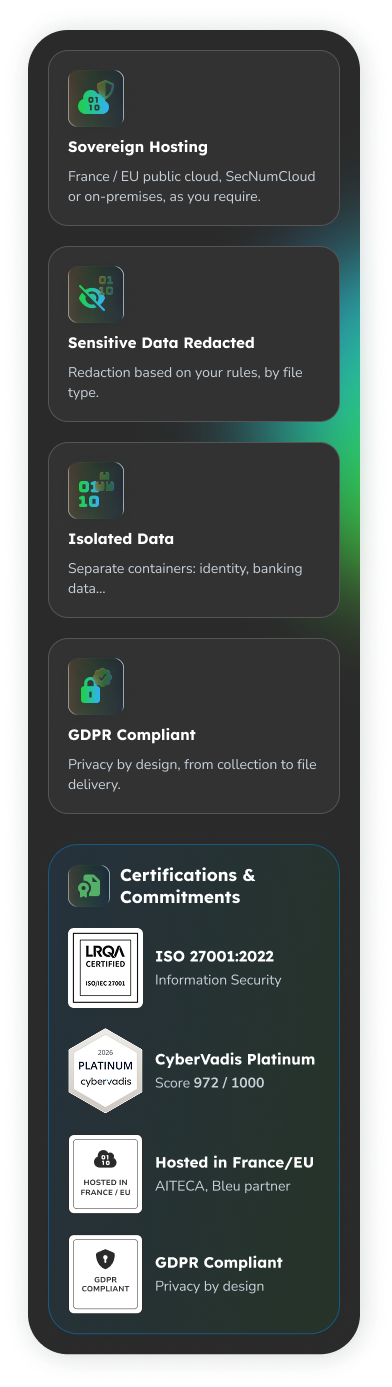
Your customers' and constituents' documents may contain sensitive data. It stays protected, isolated, and hosted in France or the EU.

securite-dossier-desktop-light-ensecurite-dossier-desktop-dark-ensecurite-dossier-mobile-light-ensecurite-dossier-mobile-dark-en

Let's Talk About Your
File Collection Workflows

Talk with our business and technical experts about your journeys, channels, file types, and target applications.